Everyone says "learn a digital skill." Nobody tells you where to start. This course does.
A clear, step-by-step path made for complete beginners. Learn Gmail, Google Docs and Sheets, ChatGPT and other AI tools, and the basics of online work, at your own pace and on your phone.
You know you need digital skills. You just don't know where to begin.
You've saved dozens of videosbut you still don't know what to learn first, or in what order.
"I'm not a tech person"Gmail folders, Google Sheets and Drive feel confusing, so you avoid them.
Everyone talks about ChatGPTbut when you try it, the answers feel generic and you're not sure how to use it properly.
Online work looks out of reachYou hear about virtual assistants and remote jobs, but don't know what skills they need or how to stay safe from scams.
29 lessons across 7 modules
Each module builds on the last. Tap a module to see its lessons.
1Your Digital FoundationGet confident with the basics: devices, tools and how to communicate professionally online.⌄
- Welcome to the Digital World
- Your Essential Digital Toolkit
- Digital Communication and Online Professionalism
2Mastering Google WorkspaceThe everyday tools that employers and clients use.⌄
- Getting Started with Gmail
- Gmail Advanced and Google Calendar
- Google Drive and File Organisation
- Google Docs and Sheets for Professionals
- Google Meet and Professional Video Communication
3Introduction to Artificial IntelligenceUse AI the smart, responsible way.⌄
- What Is Artificial Intelligence?
- The Art of Prompting
- AI for Research and Content Creation
- AI Image and Visual Creation Tools
4Building Your VA BusinessSet up and run a virtual assistant business, step by step.⌄
- Setting Up Your VA Business
- Your Digital Presence and Portfolio
- Finding Your First VA Clients
- Discovery Calls, Proposals and Client Onboarding
- Keeping Clients, Earning Referrals and Growing Without Burnout
- Launch Day: Your VA Business Checklist and 30-Day Plan
5Social Media and Digital Marketing BasicsPlan content and understand how businesses market online.⌄
- Creating a Simple Content Calendar
- Introduction to Digital Marketing
6Digital Skills for Online WorkExplore real work paths and find opportunities safely.⌄
- What Can You Do With Digital Skills?
- Introduction to Virtual Assistance
- Introduction to Customer Service
- Building Your First Digital Portfolio
- Finding Digital Work
7Build Your Digital FutureChoose your skill and leave with a clear plan.⌄
- Choosing Your Digital Skill
- Build Your Personal Skill Profile
- Create Your Digital Career Starter Kit
- Your 30-Day Digital Action Plan
Not just reading. You learn by doing.
Every lesson has 4 parts, so you understand it, practise it and keep what you make.
The Lesson
Clear explanations in simple English, with real-life examples and step-by-step walkthroughs.
Workbook
Type your answers right inside the lesson. They save automatically, and you can copy them into Google Docs.
Practical Task
A real task to complete, so you build something you can practise with and show.
Prompt Library
Ready-made AI prompts for that lesson. Copy, paste, fill in your details, done.
6 bonuses to keep you going
Extra tools you'll come back to long after you finish the lessons.
50+ AI Prompt Pack
60 ready-to-use prompts for everyday life, work, content and job search.
AI Tool Directory
An "I want to..." guide to 32 tools, with their limits and costs explained.
Job and Freelance Resource List
Job boards, freelance platforms and payment options, plus access to our WhatsApp community where local and international openings are shared.
AI Job Application Prompts
Prompts for CVs, cover letters, interviews and follow-ups that fill in your details.
Digital Career Roadmap
Find your starting point and see each digital career path, stage by stage.
30-Day Digital Skills Challenge
One small task a day for 30 days to keep your new skills growing.
Made for beginners who are ready to learn
This course is for you if…
- You're a graduate, student, job seeker or career changer who wants practical digital skills
- You feel left behind by technology and want a calm, clear starting point
- You want to use AI tools properly, not just copy and paste
- You're curious about virtual assistance, customer service or other online work
- You run a small business and want to work smarter online
It's not for you if…
- You're looking for a "get rich quick" scheme
- You want someone to promise you a job or clients
- You're already an advanced tech professional
- You won't set aside time to practise

Hi, I'm Dee 👋🏾
I'm Doris Onyia, and I work in digital marketing, social media and virtual support. Day to day I use the same tools I teach in this course: Google Workspace, AI tools, content planning and client communication.
I created Go Digital With Dee because I know how overwhelming it feels to start. This course is the clear, practical guide I wish I'd had: simple English, real examples, and one step at a time.
Say hello on Instagram and TikTok: @_godigitalwithdee
Everything you need, in one place
One payment. Instant access. Learn at your own pace.
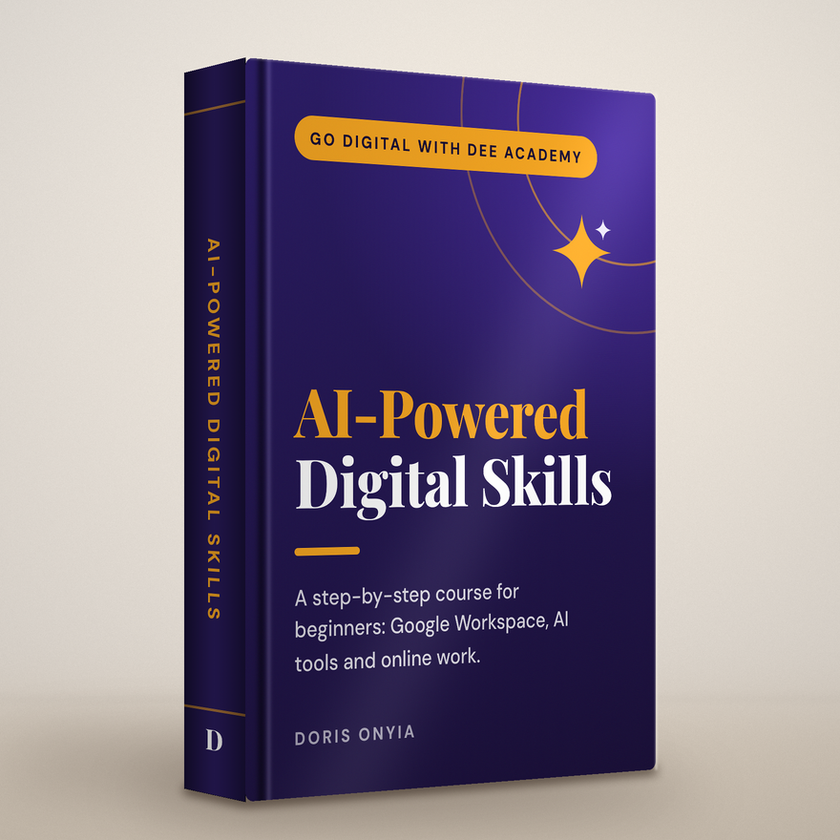
AI-Powered Digital Skills
- 29 practical lessons across 7 modules
- Fill-in workbooks that save your answers
- A practical task in every lesson
- Ready-made AI prompt libraries for every lesson
- 6 bonuses, including the 50+ AI Prompt Pack and 30-Day Challenge
- Instant access on your phone or laptop
🔒 Secure checkout on Selar. You'll get your course link and access code straight after payment.
Frequently asked questions
Can I take this course on my phone?
Yes. The course opens in your phone's browser, and you can add it to your home screen so it opens like an app. Some practical tasks, like Google Sheets, are easier on a laptop, but a phone is enough to start.
I'm a complete beginner. Will I understand it?
Yes, that's exactly who it's for. Lesson 1 starts from the very basics, everything is explained in simple English, and each lesson builds on the one before.
How do I get the course after paying?
Straight after payment on Selar, you're taken to the course and receive a PDF access guide with your course link and access code. Enter the code once and start learning.
How long do I have access?
You can come back to the course as often as you like and learn at your own pace. There's no deadline.
Do I need to pay for any software?
No. The course uses free tools like Gmail, Google Docs, Google Sheets, Google Drive and free versions of AI tools like ChatGPT.
Will this course get me a job or clients?
No course can honestly promise that. This course teaches practical skills, helps you build portfolio pieces, and shows you where and how to look for opportunities safely. Your results depend on how much you practise and apply what you learn.
How do I pay?
Checkout is handled securely by Selar, which accepts the payment methods shown at checkout, such as card and bank transfer.
Your digital journey starts with one lesson
Stop saving videos and start building real skills, one clear step at a time.
Get instant access for ₦10,000 (≈ $7.50) →